
 Tiếng Việt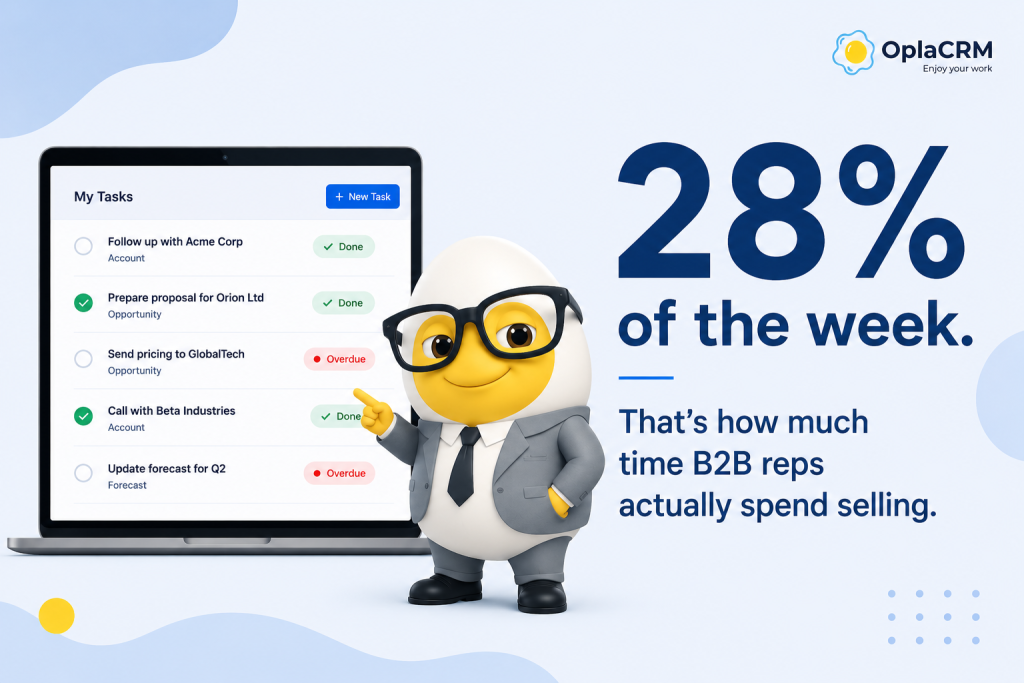
★ KEY TAKEAWAYS
- CRM task management is not a feature — it is the operating system of a B2B sales team.
- The real problem is not that reps forget to follow up. It is that task information is invisible to everyone except the person holding it.
- The difference between a task list and CRM task management is context:every task is linked to an account,a contact,and a stage.
- Most CRM implementations fail not because of the technology — but because teams use the CRM to record work,not to manage it.
◷ IN THIS ARTICLE
According to Salesforce’s State of Sales report (2024), the average B2B sales rep spends only 28% of their week actually selling. The rest goes to administrative work: updating records, chasing status, logging activities, and trying to remember what needs to happen next with which account.
This is not a discipline problem. It is a structural one — and it is exactly what CRM task management is designed to solve.
1. What is CRM task management?
CRM task management is the process of creating, assigning, tracking, and completing sales-related tasks inside a CRM — where every task is connected to a specific account, contact, and deal stage.
That last part is what separates CRM task management from a regular to-do list. In a standalone task app, a reminder to “call David” is just a line of text. In a CRM, that same task carries full context: David is the CFO at a company in the final stage of a deal, the last call outcome was neutral, the proposal has been sitting unreviewed for 8 days, and the deal is worth a significant amount. The task does not just remind the rep to call — it tells them why the call matters and what to say.
In practice, CRM task management covers five core areas. First, follow-up tasks — reminders triggered automatically when a deal moves to a new stage or a specific outcome is logged. Second, activity logging — recording not just that something happened, but what the outcome was and what comes next. Third, task assignment — routing work to the right rep based on account ownership or territory. Fourth, deadline tracking — flagging overdue tasks and escalating them before they cause damage. And fifth, manager visibility — giving team leads a real-time picture of what is happening across all accounts without requiring manual status updates.
2. The real cost of unstructured task management
The most common symptom of broken task management is not missed follow-ups — it is the fact that nobody knows a follow-up was missed until it is already too late. A prospect goes quiet. A renewal slips. A deal that looked healthy in last week’s pipeline review closes with a competitor. By the time the Sales Manager understands what happened,the sequence of dropped tasks that led there is impossible to reconstruct.
HubSpot’s Sales Trends Report (2024) found that 40% of salespeople identify following up with prospects as their biggest challenge — not because they lack the intention, but because there is no reliable system surfacing the right task at the right moment. In most B2B sales teams, task information is distributed across individual inboxes, personal notebooks, calendar reminders, and memory. It is completely invisible to anyone other than the person holding it.
The consequences compound over time. Managers run weekly status meetings instead of having real-time visibility. New reps inherit accounts with no documented history of what was promised or what was tried. Handovers take days instead of hours. Coaching conversations are based on instinct rather than data. None of these problems feel urgent on any individual day — but together, they represent a significant and measurable drag on sales performance.
3. How it works in a B2B sales day
The clearest way to understand CRM task management is to trace a single sales rep through a working day — and observe how the presence or absence of structured task management changes every moment of it.
Without CRM task management, the rep starts the day by checking email, then their personal to-do list, then a spreadsheet their manager built, then their calendar. They piece together a rough picture of what needs doing. Something important from last week falls through the gaps — not because they are careless, but because the system relies entirely on individual memory and discipline.
With CRM task management, the rep opens the CRM and sees a single prioritized list: a follow-up call with a prospect who requested pricing three days ago, an email to confirm a meeting with an existing account, a proposal flagged for review by their manager. Each task is linked to its account, the full history is one click away, and the suggested next action is already there based on the deal stage.
During the day, after each interaction, the rep logs an outcome — positive, neutral, or negative — and the system automatically generates the next task. At the end of the day, the manager has a complete picture of which accounts had meaningful activity and which did not, without asking anyone. Overdue tasks are visible. Accounts going cold are flagged. The entire team’s pipeline is readable in real time.
This is not a marginal improvement. It is a fundamentally different way of running a sales operation.
4. Manual vs. CRM task management
| Manual | CRM task management | |
|---|---|---|
| Task creation | Created manually,from memory | Triggered automatically by deal stage or logged outcome |
| Visibility | Only the rep knows what is pending | Manager sees all tasks across team in real time |
| Follow-up reliability | Depends on individual discipline | System-enforced with reminders and escalation |
| Handover quality | New rep starts from scratch | Full task and outcome history available immediately |
| Manager reporting | Compiled manually in weekly meetings | Generated automatically from logged activity |
The shift from manual to CRM-based task management is not primarily about automation. It is about making task information shared rather than siloed— moving the operational state of the sales team from individual heads into a single system that everyone can read.
5. What to look for in a CRM
Not all CRMs handle task management with the same depth. When evaluating a platform for B2B sales,five capabilities tend to separate the tools that actually change how teams operate from those that simply add another place to log things.
Automatic task creation from deal stages.Tasks should be generated automatically when a deal progresses — not require the rep to remember to create them. A demo completed should trigger a follow-up task. A proposal sent should create a review reminder at a defined interval. If the rep has to manually generate every task,the system will inevitably have gaps.
Outcome logging,not just activity volume.Counting calls and meetings is easy to game and tells a manager very little. What matters is the quality of each interaction — whether the outcome moved the deal forward,stayed neutral,or revealed a risk. A CRM that requires outcome assessment for every logged activity produces data that is genuinely useful for coaching and forecasting.
Real-time manager visibility without status meetings.If a manager needs to ask their team what is happening,the system is not working. The right CRM gives managers a live dashboard — filterable by rep,account,deal stage,and task status — so that they can identify problems before they escalate.
Task prioritization by account importance.A follow-up with a high-value account in the final stage of a deal should surface above a routine check-in with a stable customer. The CRM should be able to weight tasks by deal size,account health,or proximity to close — not just by due date.
Reliable mobile access.B2B reps spend significant time outside the office. The ability to log an outcome immediately after a meeting — rather than reconstructing it hours later from memory — materially improves the quality of the data the whole team depends on.
OplaCRM is built around all five of these requirements,with one additional layer:a gamification system that turns task completion into a team dynamic — leaderboards,points,and recognition — rather than an individual obligation. In B2B environments where CRM adoption is often the hardest part of the implementation,this distinction matters.
6. Why most teams get it wrong
The most common failure mode in CRM task management is not technical. It is cultural. Teams implement a CRM,spend time configuring it,and then use it primarily as a record-keeping system — logging what happened after the fact,rather than using it to manage what needs to happen next. The CRM becomes a reporting tool for the manager,not a working tool for the rep. Adoption stays low. The data stays thin. The system never delivers the visibility it was supposed to create.
A second common mistake is ambiguous task ownership. Tasks assigned to “the team” or left without a clear due date are effectively unowned — they will not be completed,and nobody will notice until the consequence arrives. Every task in a functioning CRM should have a single named owner and a specific deadline.
A third mistake is treating task completion rate as a performance metric. When managers evaluate reps based on how many tasks they complete,reps learn to optimize the metric — marking tasks complete without doing the underlying work,or logging hollow activities to maintain their numbers. The data looks clean. The actual pipeline is not. The fix is to evaluate reps on outcomes — deal progression,win rate,revenue — and use task data as a coaching input,not a performance score.
Finally,many teams implement task management without building a review cadence around it. Data only creates value when it is acted on. The most effective B2B sales teams make task review a standard part of their weekly pipeline meeting — examining what changed,what was completed,what is overdue,and what patterns are emerging across accounts.
OPLACRM · B2B REVENUE OPERATIONS CRM
Considering a CRM — or trying again after one that didn’t work out?
No sales script. Just an honest conversation about how your sales team operates — and whether what we do actually solves the problem you’re facing.
Book a 30-minute conversation →
No pressure. No hard sell. Just a real conversation about your sales process.
📚 RELATED ARTICLES
| PLATFORM OVERVIEW | What is OplaCRM? |
| PIPELINE MANAGEMENT | What Is Win Probability? How to Calculate Deal Win Rate in B2B Sales |
| CUSTOMER HEALTH | What is Account Health Score? B2B Customer Health Measurement Guide |
| SALES PLANNING | Your Sales Plan Is Not a Sales Plan. Here Is What One Actually Looks Like in 2026 |